
Guys am back now with free and fast internet data.
It’s called DROID VPN, go on play store and search for the app and download it.
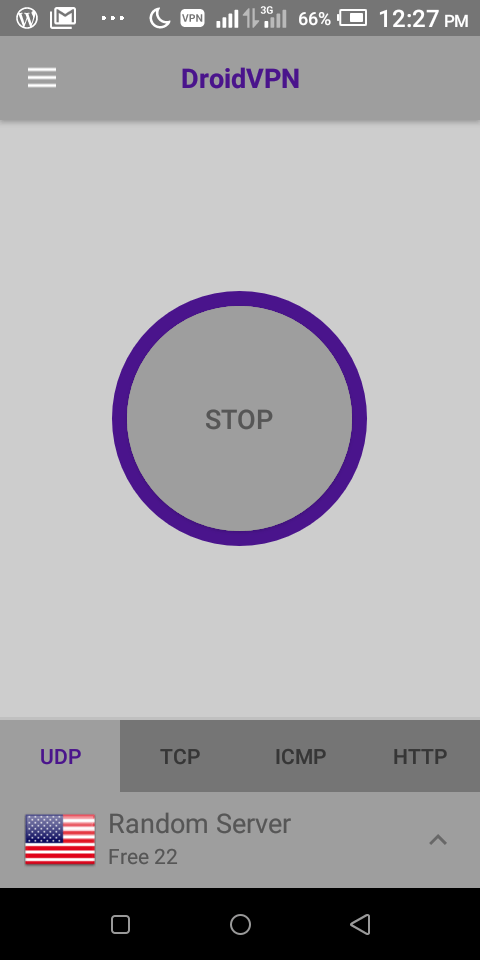

Then vist This site to create your free account, make sure you have a working email address. Don’t forget to show that you are not a robot.
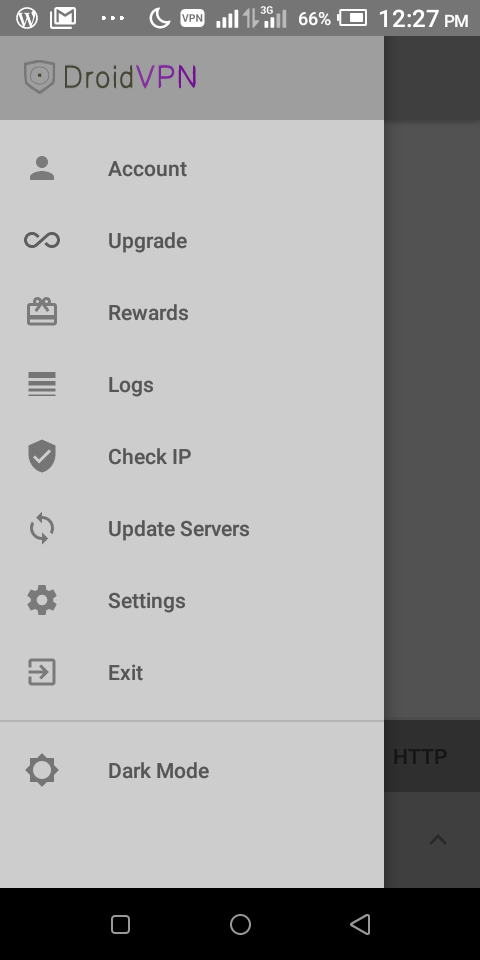
Open Droid VPN, and go to options menu, select account, then put the username you created on Here
Scroll down to settings and configure as follows.
Tcp settings:       Remote tcp port: 0026
Local tcp port.   :80
Http headers:on
Set http headers
Tap on generate
Host:netone.co.zw
Tick:user agent, online host and keep alive.

Then save.
Go back to UDP settings.
Remote:100
Local:80
Turn on all switches
UDP mode:1
Rcount:1
Tcount:114
Go back to VPN settings and turn on all of them except second and third last.
Go back to misc settings and turn logging on
repositories {
  mavenCentral()
}

dependencies {
  implementation 'com.startapp:inapp-sdk:4.9.+'
}

.<meta-data android:name="com.startapp.sdk.RETURN_ADS_ENABLED<meta-data android:name="com.startapp.sdk.RETURN_ADS_ENABLED
script async src=”https://pagead2.googlesyndication.com/pagead/js/adsbygoogle.js?client=ca-pub-3424439652236750″
crossorigin=”anonymous”>
Keep trying out ideas


Leave a Reply